

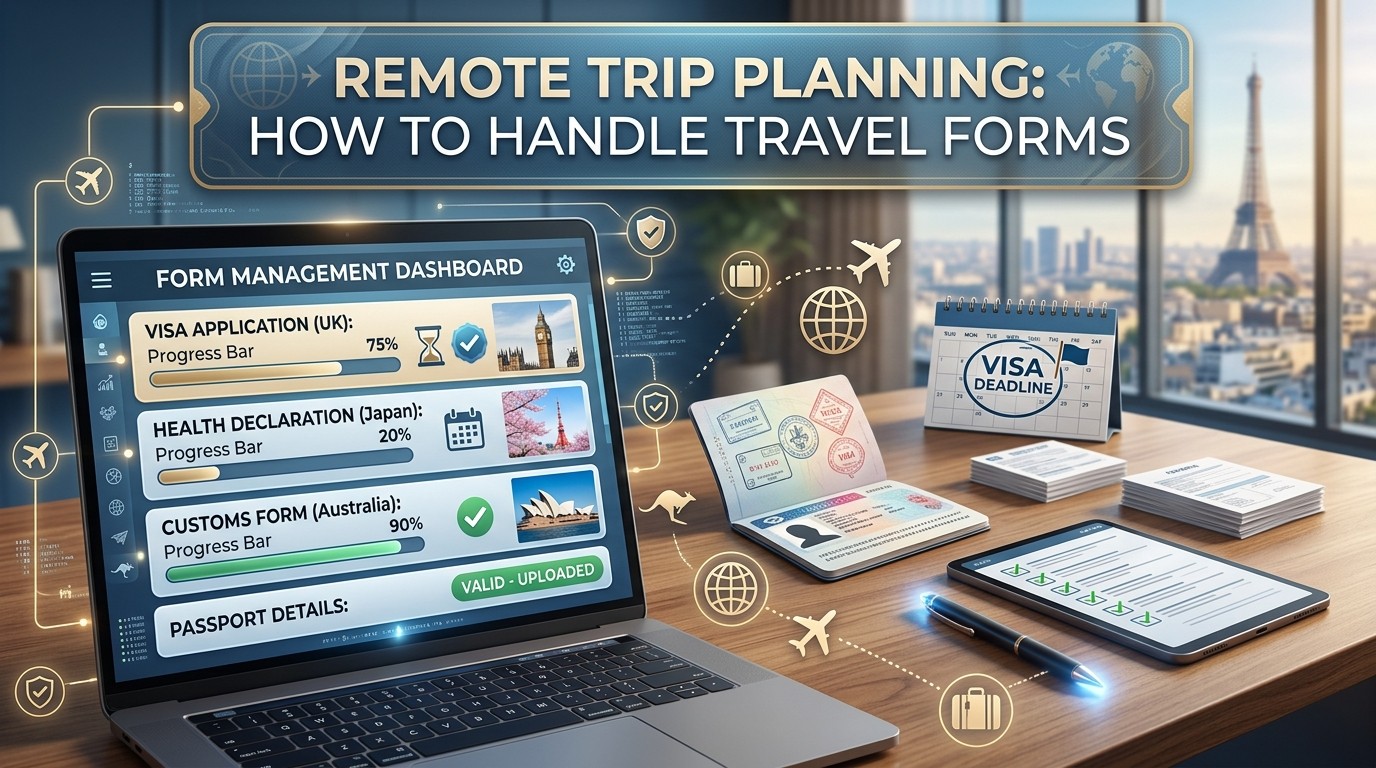
Remote Trip Planning works best when forms, copies, contacts, and backups are organized before departure. The strongest trips feel flexible because the paperwork is already handled, not because the destination is easy.
Remote Trip Planning begins with one practical truth: forms are part of safety, not just bureaucracy. A trip to a remote place usually depends on the same documents that support ordinary travel, but the consequences of missing one are bigger because there may be fewer offices, weaker networks, and slower backup options. Official travel guidance from the U.S. State Department says to gather required travel documents, make multiple copies, and keep photos of them on your phone, because copies can help replace originals if they are stolen or lost. That is why Remote Trip Planning should always start with paperwork, even before the itinerary feels exciting.
Remote Trip Planning also matters because extreme or isolated trips often involve more than one layer of documentation. You may need a passport, a visa or electronic travel authorization, proof of onward travel, insurance details, emergency contacts, and sometimes a permission letter or other special form. The State Department notes that some countries require a visa or eTA and that travelers should check the embassy or destination guidance for the most current requirements. In other words, Remote Trip Planning is not just about getting there; it is about being allowed in, staying protected, and knowing what happens if plans change.
Remote Trip Planning feels easier when you treat forms as a system. One form proves identity, another supports entry, another covers health or insurance, and another tells people how to help you if something goes wrong. When those pieces are organized early, the trip feels calmer. When they are scattered, even a small delay can become a chain reaction. That is why Remote Trip Planning is as much about mental relief as it is about logistics.
Why travel forms matter more on remote trips
Remote Trip Planning becomes more important as the distance from help increases. In a city, a forgotten form may cost time. In a remote region, it can affect check-in, transport, insurance claims, access to assistance, or even the ability to continue traveling. The U.S. government’s travel checklist explicitly recommends multiple copies, separate storage, and photos of travel documents, which is especially useful when you are far from the original issuing office.
Remote Trip Planning also helps because remote travel can involve limited connectivity. The National Park Service advises travelers in isolated areas to write down their itinerary and share it with a trusted contact, and a University of North Texas travel emergency plan says to carry a hardcopy, email the plan to yourself, and save emergency contact information to your phone. If your phone dies or the signal disappears, the paper still works. That redundancy is the whole point of Remote Trip Planning.
Remote Trip Planning is also a confidence builder. People often feel anxious because they do not know whether they have the right documents or whether a form needs a signature, a photocopy, or a digital upload. Preparing forms early reduces that uncertainty. The less time you spend wondering, the more energy you have for the actual trip. That is one reason Remote Trip Planning supports the psychology of travel so effectively.
Build the form stack before you pack
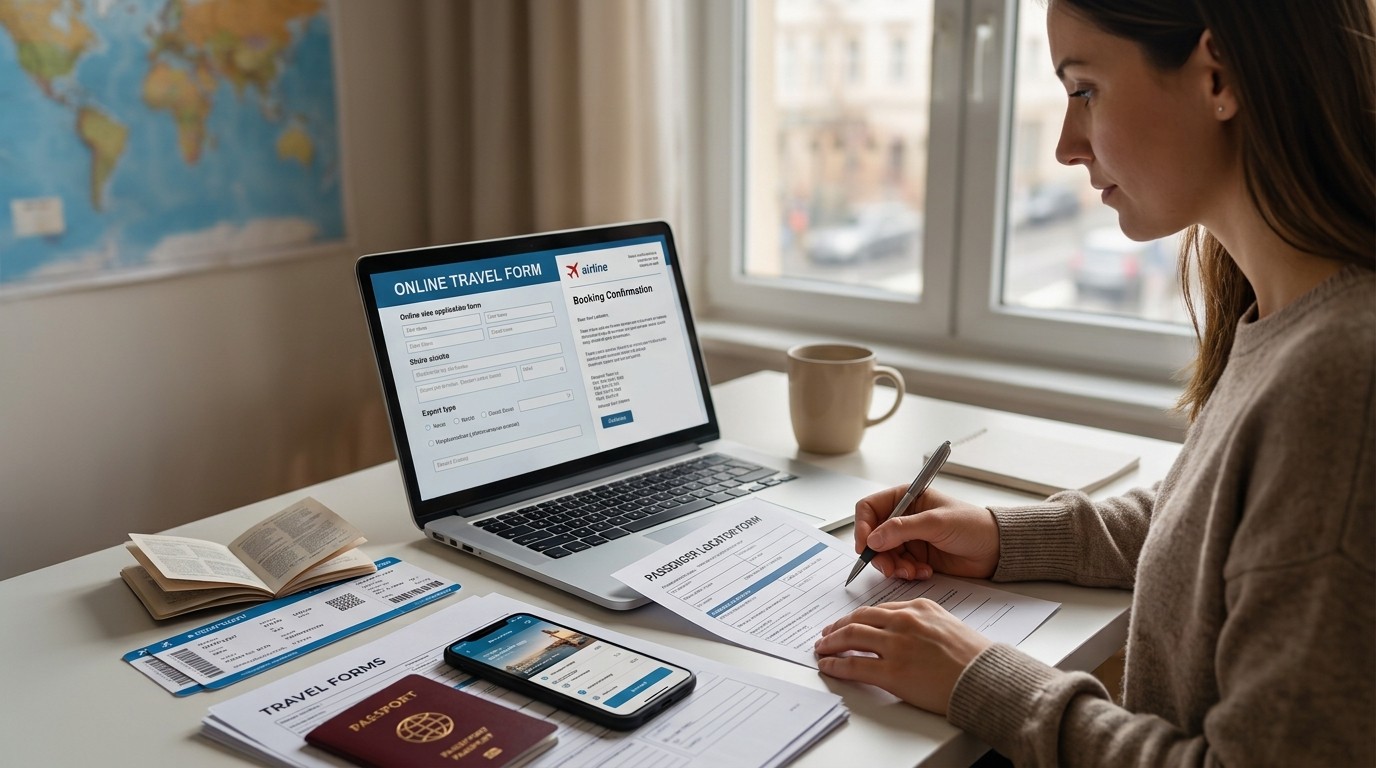
Remote Trip Planning should start with a simple stack of essentials. The State Department says travelers should check passport expiration dates as soon as planning begins, note that some countries require at least six months of validity beyond travel dates, and apply early to avoid delays. It also says to check whether your destination requires a visa or eTA and to review travel guidance for current entry, exit, and visa rules. That means passport and visa checks are not last-minute tasks; they are early decisions.
Remote Trip Planning should also include medical document review. The same State Department checklist says to bring copies of prescriptions and labeled bottles and warns that some prescription and over-the-counter medications may not be legal in foreign countries. If you are carrying medicine, it is safer to know the rules before departure than to discover a problem at the border. Remote Trip Planning should therefore include both the document itself and the legality of what the document refers to.
Remote Trip Planning becomes much smoother when you separate documents into categories: identity, entry, health, transport, insurance, emergency, and activity-specific forms. That structure makes it much easier to see what is missing. If a border agent asks for a visa confirmation or an airline wants a return ticket, you know where to find it. If a local operator asks for an emergency contact form, you are ready. Remote Trip Planning is basically document design for uncertainty.
A practical document table
| Category | Example forms or records | Why it matters |
|---|---|---|
| Identity | Passport, copies, photos | Proves who you are and helps replace lost originals |
| Entry | Visa, eTA, entry confirmation | Supports legal arrival and border processing |
| Health | Prescription list, medical info, vaccines | Helps manage treatment and emergencies |
| Transport | Driver permits, rental agreements, tickets | Supports movement and check-in |
| Insurance | Policy details, claim contact | Helps if illness, delays, or damage happen |
| Emergency | Itinerary, contacts, local numbers | Improves response if things go wrong |
| Activity-specific | Consent, waiver, permit, tour forms | Covers risk in special activities |
Remote Trip Planning becomes more efficient when you use one folder or digital vault for all of these. The goal is not to keep every file in the same place forever, but to know exactly where each file lives when it is needed. Remote Trip Planning is much less stressful when the answer is obvious.
Passports, visas, and entry forms
Remote Trip Planning should begin with the passport because passport problems are the most common source of stress. The State Department says to check expiration dates early and to confirm whether your destination requires six months of validity beyond your dates. That rule is not universal, but it is common enough that travelers should never assume a passport that “looks fine” is actually sufficient.
Remote Trip Planning also means checking whether the destination uses a visa application, a visa-on-arrival procedure, or an electronic travel authorization. The State Department says some countries require a visa or eTA and recommends checking the foreign embassy for the most up-to-date requirements. That advice is especially important because entry rules can change. If your trip is remote, the last thing you want is to reach a border with the wrong assumption.
Remote Trip Planning is even more important when the trip passes through multiple jurisdictions. A country may require one form, a transit point may ask for another, and an operator may want a booking confirmation that looks different from the visa form. This is why it helps to think of entry paperwork as a route, not a single object. Remote Trip Planning should map the route so you know which document is used where.
Remote Trip Planning also benefits from keeping copies in more than one format. The State Department recommends multiple copies and phone photos. That means paper in one bag, a digital copy in your phone, and a backup copy with someone you trust at home. Remote Trip Planning is better when one mistake does not eliminate your only proof.
Health forms, medicine, and insurance proof
Remote Trip Planning should include health records because remote travel can make even a small issue more complicated. If you need medication abroad, the State Department advises bringing copies of prescriptions and labeled bottles. That protects you if a pharmacist, border official, or local clinic needs to verify what you are carrying. It also helps in an emergency if you need to explain your meds quickly.
Remote Trip Planning should also include travel insurance details. Both the UNT emergency travel plan and the TravelGuard emergency travel plan ask travelers to record provider information, policy numbers, and emergency contacts, and both recommend carrying a hardcopy and saving the details on a phone. That is practical because insurance is only useful if you can reach it fast. Remote Trip Planning should make sure the claims number is easier to find than your boarding pass.
Remote Trip Planning becomes more reliable when you store the insurance policy with other key documents and keep the customer-service number on your phone. If a delayed ferry, a lost bag, or a medical issue happens in a remote area, you do not want to search through email threads. Remote Trip Planning works because the important information is already staged before the trip begins.
Remote Trip Planning should also consider health needs that are specific to the activities you plan to do. A remote trek, a desert crossing, a water-based adventure, and a winter road trip will not require the same documentation. Some trips may need special waivers, fitness declarations, or operator forms. Remote Trip Planning reduces confusion when you collect those in advance rather than at the dock or trailhead.
Emergency contact forms and itinerary sharing
Remote Trip Planning becomes much safer when you build an emergency contact sheet. The UNT form lists local police, medical, and fire numbers, a local hospital, embassy or consulate information, hotel contact information, travel insurance details, and an emergency contact back home. That structure is a useful model even if you are not using the same form. Remote Trip Planning is strongest when it includes who to call, where to go, and how to reach support quickly.
Remote Trip Planning also benefits from sharing your itinerary. The National Park Service says travelers in remote places should write down the itinerary and share it with a trusted contact, and the UNT form recommends a daily check-in if traveling alone. If you are in a place where signal can be weak, this is not overcautious; it is normal prudence. Remote Trip Planning creates a trail of visibility so someone can notice if you are delayed.
Remote Trip Planning should also include local emergency numbers. The exact numbers differ by destination, but the idea is the same: do not wait until a crisis to figure out how to call police, an ambulance, or a hospital. Write those numbers into your plan before departure. Remote Trip Planning saves time because the answer is already on the page.
Remote Trip Planning becomes even more useful if you add local language phrases for emergencies. The UNT emergency guide suggests learning how to ask for police, a hospital, or other assistance in the local language. That detail matters because the nearest help may not speak your language. Remote Trip Planning is partly about communication, and communication is easier when you have the right words ready.
Permits, waivers, and activity forms
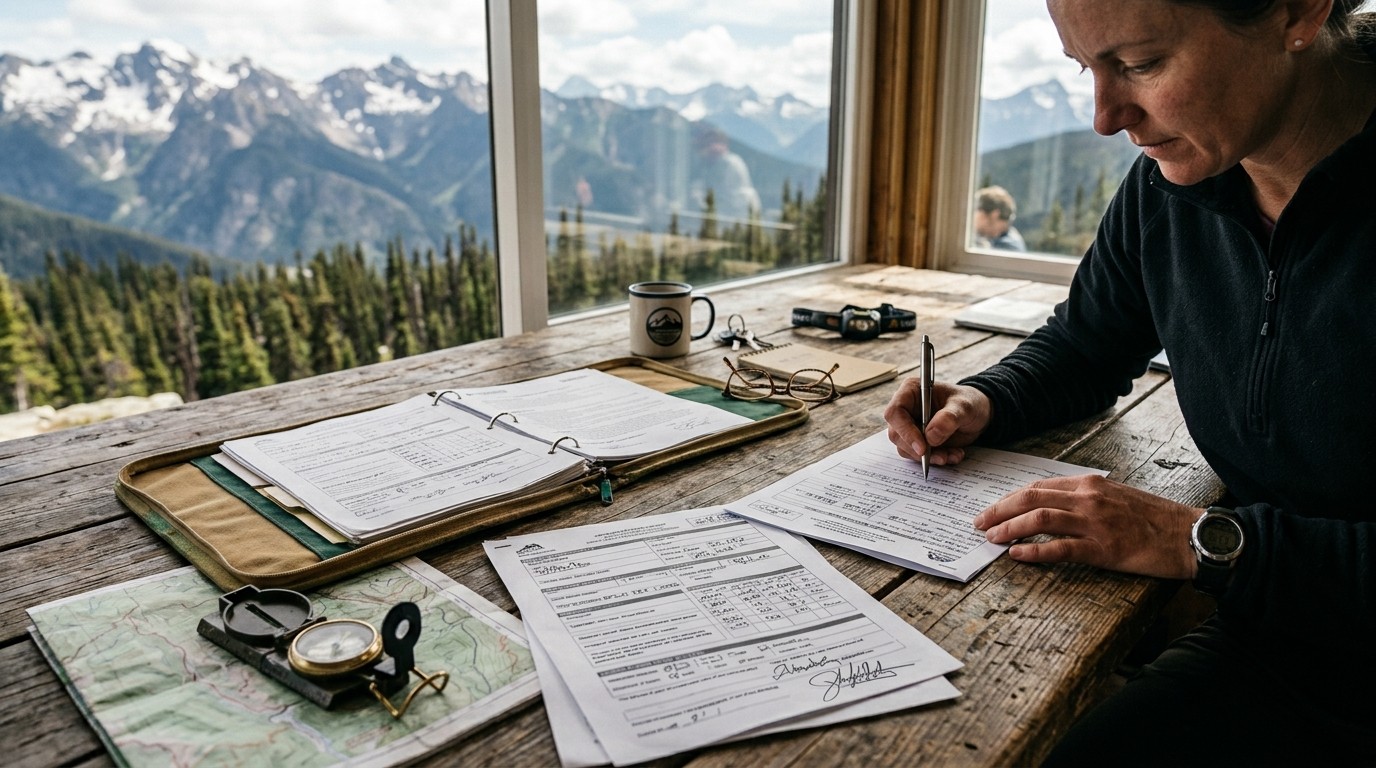
Remote Trip Planning is not just for border forms. It also covers activity forms, permits, and waivers that apply to the actual trip experience. For example, wilderness areas, special roads, protected islands, boating excursions, diving trips, and guided expeditions may all have their own paperwork. Even when the form looks small, it can control access. Remote Trip Planning keeps those forms from becoming a surprise on the morning you were supposed to leave.
Remote Trip Planning should also include reading the terms, not just clicking accept. A waiver may mention weather cancellation, medical risk, equipment use, or route changes. If you sign without reading, you may miss the conditions that matter most to your trip. Remote Trip Planning works better when you know what you are agreeing to before you arrive at the meeting point.
Remote Trip Planning can be especially important for travelers drawn to Extreme Wilderness Travel. The harsher the environment, the more likely the operator will require additional safety forms or acknowledgment documents. That does not make the trip worse; it makes the risk explicit. Remote Trip Planning is strongest when explicit risk is easier to handle than hidden risk.
Remote Trip Planning can also support calmer alternatives. Some travelers decide after reading the paperwork that a route is too much for them, and that is valuable information. Others choose Small Group Tours because the operator handles more of the paperwork and logistics, which can feel easier in unfamiliar places. Remote Trip Planning should help you choose the right style, not just force a yes.
Travel by style, not by fantasy
Remote Trip Planning works best when it matches the trip style you actually want. A relaxed island stay and a rugged expedition do not need the same paperwork mindset. Someone planning Bali Solo Travel may need a simple but organized document system for flights, hotel confirmations, and health details, while someone planning a more isolated route may need much more. Remote Trip Planning should always reflect the real shape of the trip rather than the fantasy version of it.
Remote Trip Planning also looks different for Solo Travel Costa Rica because that kind of trip often blends self-directed exploration with nature and transport decisions that can change quickly. A solo traveler in a lush, weather-sensitive region should be especially careful about insurance, contact information, and backup transportation. Remote Trip Planning helps the independent traveler stay independent by making the paperwork support system visible before departure.
Remote Trip Planning should also be honest about whether you are traveling to relax or to test yourself. If you are chasing challenge, paperwork should become more detailed, because the margin for error shrinks as the environment becomes harsher. If you are chasing recovery or ease, paperwork can stay simpler, but it still needs to be complete. Remote Trip Planning is not about making every trip hard to manage. It is about matching preparation to the actual level of uncertainty.
Remote Trip Planning can also help you decide whether to travel alone or with support. Some routes are fine solo if the documents and contacts are organized. Others are easier with guides, tours, or local operators who already know the forms. The goal is to reduce friction. Remote Trip Planning should make the decision easier, not more confusing.
Digital backups and the case for redundancy
Remote Trip Planning should never rely on one copy of anything. The State Department says to make multiple copies and to keep a set separate from the originals, while the UNT and TravelGuard emergency plans recommend saving details on your phone, emailing the plan to yourself, and carrying a hardcopy. That is a clear reminder that redundancy is not overkill. It is the standard. Remote Trip Planning works when one failure does not end the process.
Remote Trip Planning also benefits from a “find it fast” system. A digital folder in your phone, a cloud backup, and a printed packet in your bag can save enormous time. If a hotel asks for your booking code, if immigration wants a visa confirmation, or if insurance needs policy details, you want to find them immediately. Remote Trip Planning should make retrieval fast enough that stress does not get in the way.
Remote Trip Planning is stronger when the backups are labeled well. A file named “travel stuff” is less helpful than one named with the destination and trip date. If you travel often, a simple naming system can save hours across the year. Remote Trip Planning works because it turns memory into structure.
Remote Trip Planning also helps if you share one trusted backup with someone at home. That way, if your phone is lost or damaged, your support person can send the needed files. This is not about expecting disaster. It is about accepting that remote trips are easier when important information exists in more than one place.
How to prepare a form checklist
Remote Trip Planning becomes much easier if you build a checklist in layers. The first layer is identity and entry. The second is health and insurance. The third is emergency and itinerary. The fourth is activity-specific paperwork. Once those layers are visible, the trip becomes easier to review and easier to explain to other people. Remote Trip Planning turns a vague burden into a clear sequence.
Remote Trip Planning should also include a deadline column. Some forms are needed weeks before departure. Others can be completed closer to travel. If you do not assign dates, everything feels equally urgent. A deadline column helps you prioritize the forms that would cause the biggest problem if they were missing. Remote Trip Planning is more effective when urgency is visible.
Remote Trip Planning should include a status column as well. “Not started,” “in progress,” “sent,” and “saved” are useful labels. They help you notice what is finished and what still needs attention. Remote Trip Planning becomes much more relaxing when there is a status line next to each task, because the brain no longer needs to keep every detail in memory.
Remote Trip Planning should also be reviewed at least twice: once early in planning and once right before departure. Travel rules, weather, and operator requirements can change. A final check prevents stale information from sneaking into the trip. Remote Trip Planning is not a one-and-done activity; it is a process that gets sharper as departure approaches.
What to do before departure day
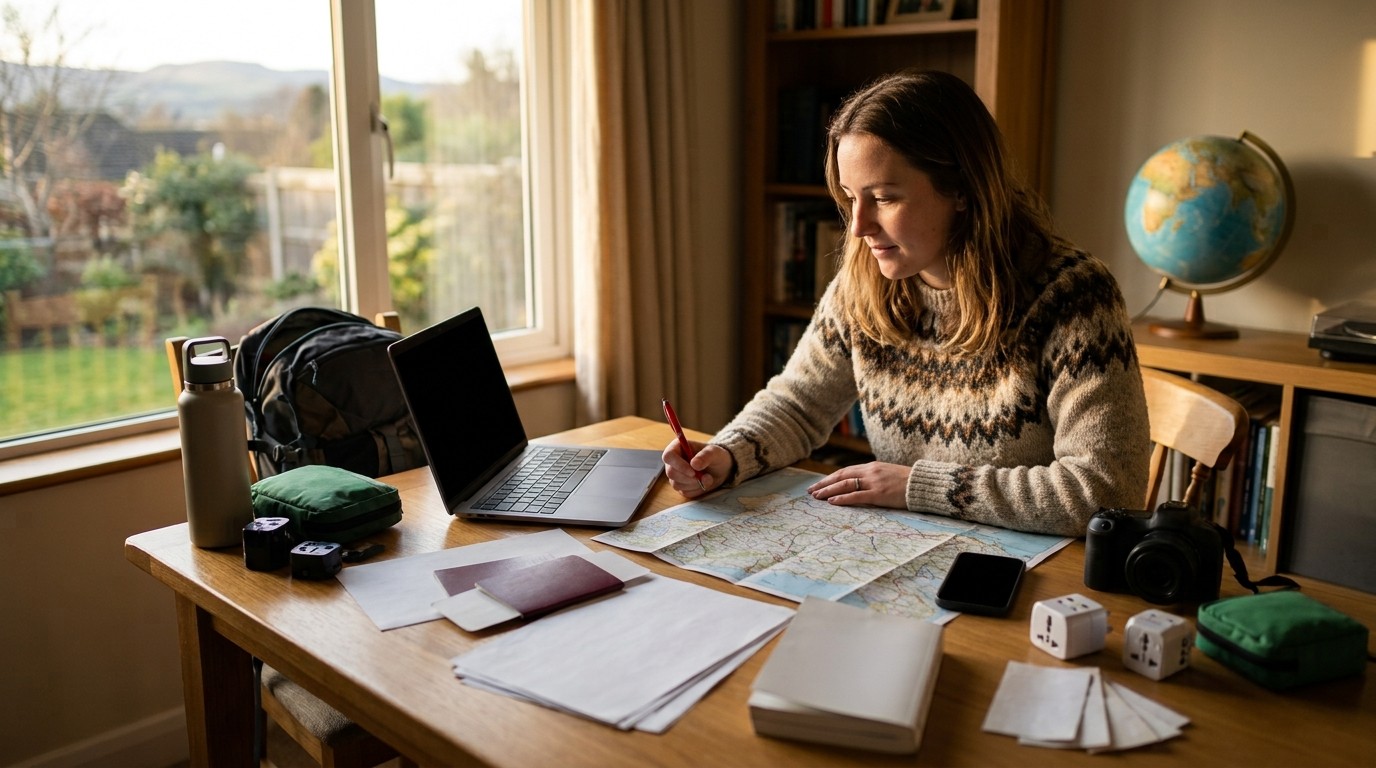
Remote Trip Planning should end with a final document walk-through. Confirm that your passport is valid, visa or eTA paperwork is approved if needed, insurance details are accessible, emergency contacts are saved, and any special permits or waivers are complete. The State Department’s checklist and the emergency-plan forms both point toward the same idea: preparation should be visible and portable. If a document is only in your head, it is not ready yet.
Remote Trip Planning also means printing or saving the local emergency numbers and accommodation contacts. If you are traveling internationally, include embassy or consulate details. If you are doing a remote road trip, include roadside or local rescue information where relevant. Remote Trip Planning should be practical enough that a tired traveler can use it without thinking hard.
Remote Trip Planning is especially useful the night before departure. Lay out the documents, check the file names, and make sure your phone, charger, and backups are all together. If you are leaving very early, do not leave this work until morning. Remote Trip Planning works best when the final review happens while you still have time to fix a missing item.
Remote Trip Planning also helps with peace of mind. The more complete your form system is, the less mental energy you spend worrying that you forgot something. That matters more than it sounds, because a calm traveler makes better decisions once the trip begins.
The role of timing, weather, and emergencies
Remote Trip Planning becomes even more important when weather could change the schedule. FEMA and NWS guidance emphasizes preparedness before storms, heat, or cold events, and that principle applies to travel too. If a route is weather-sensitive, make sure the forms, contacts, and backups are ready before you step into the environment. Remote Trip Planning is the paper side of weather preparedness.
Remote Trip Planning should also include an emergency response script. If you cannot reach your destination, who do you call first? If you miss a ferry, what document do you need to change the plan? If a hotel changes, where do you update your emergency contact? Writing those steps down is useful because a crisis is not the best time for improvisation. Remote Trip Planning works best when the answers are ready before the question arrives.
Remote Trip Planning becomes even more valuable in places with limited services. A remote road, a wild coast, or a mountain region may not have the same recovery options as a city. That means the forms you carry are not just formalities; they are part of your resilience. Remote Trip Planning gives structure to uncertainty so you can keep moving.
Remote Trip Planning should always remember that emergencies are easier to handle when someone else already knows the basics. The UNT and TravelGuard forms both recommend carrying the information in more than one place and saving it to your phone and email. That simple habit can make a huge difference if your day gets disrupted.
Conclusion
Remote Trip Planning is about turning paperwork into peace of mind. When you organize passports, visas, health records, insurance details, emergency contacts, and activity forms before departure, the trip stops being fragile. The official guidance from the State Department, GOV.UK, NPS, FEMA, and travel emergency plan templates all point in the same direction: copy the important things, share the important things, and keep the important things accessible. That is especially true when you are far from help or traveling in uncertain conditions. A strong system does not remove risk, but it makes the risk manageable. Remote Trip Planning works because it gives you structure before the journey asks for it.
Frequently Asked Questions (FAQ)
1. What does Remote Trip Planning mean?
Remote Trip Planning means preparing a trip to an isolated, weather-sensitive, or hard-to-reach place by organizing the documents, backups, contacts, and forms you may need before and during travel.
2. Why are travel forms so important for remote trips?
Remote Trip Planning depends on forms because remote places may have fewer services, weaker signal, and slower backup options. If something is missing, it may be harder to fix later.
3. What documents should I check first?
Remote Trip Planning should start with your passport and visa or eTA requirements, because the State Department says to check expiration dates early and verify entry requirements with the destination.
4. Do I need copies of everything?
Yes, multiple copies are strongly recommended. Remote Trip Planning is safer when you keep paper copies, digital photos, and a backup copy with a trusted person.
5. What should be in an emergency travel form?
Remote Trip Planning emergency paperwork should include local emergency numbers, hospital and embassy details, hotel information, insurance contacts, and your emergency contact at home.
6. Should I save the plan on my phone?
Yes. Remote Trip Planning is stronger when the plan is saved on your phone, emailed to yourself, and carried as a hardcopy in case one format fails.
7. Do medicines need special documents?
Often yes. Remote Trip Planning should include labeled medicine bottles and prescription copies, because some medications may be restricted in foreign countries.
8. What if I’m going on a wilderness or adventure trip?
Remote Trip Planning becomes even more important. NPS and CDC both stress itinerary sharing, health kits, and careful preparation for remote or adventure travel.
9. Can Small Group Tours reduce paperwork stress?
Yes. Remote Trip Planning may feel easier with Small Group Tours because the operator often handles more logistics, though you still need your own documents and emergency information.
10. What is the biggest mistake travelers make?
The biggest mistake in Remote Trip Planning is waiting too long to check entry rules, document validity, and backup copies. Small mistakes become bigger in remote places.




Leave a Reply